Inventory & Procurement
Stock Expiry Management System
See every batch by expiry date, pick first-expiry-first-out, and stop paying for stock you throw away.
US$24one-time · no subscription
Tested in Microsoft Excel — 80 figures verified independently, 10,000-row test
Version 1.0 · Microsoft 365 / Excel 2021 or later (Windows & Mac) · Secure payment by Paddle
What it does
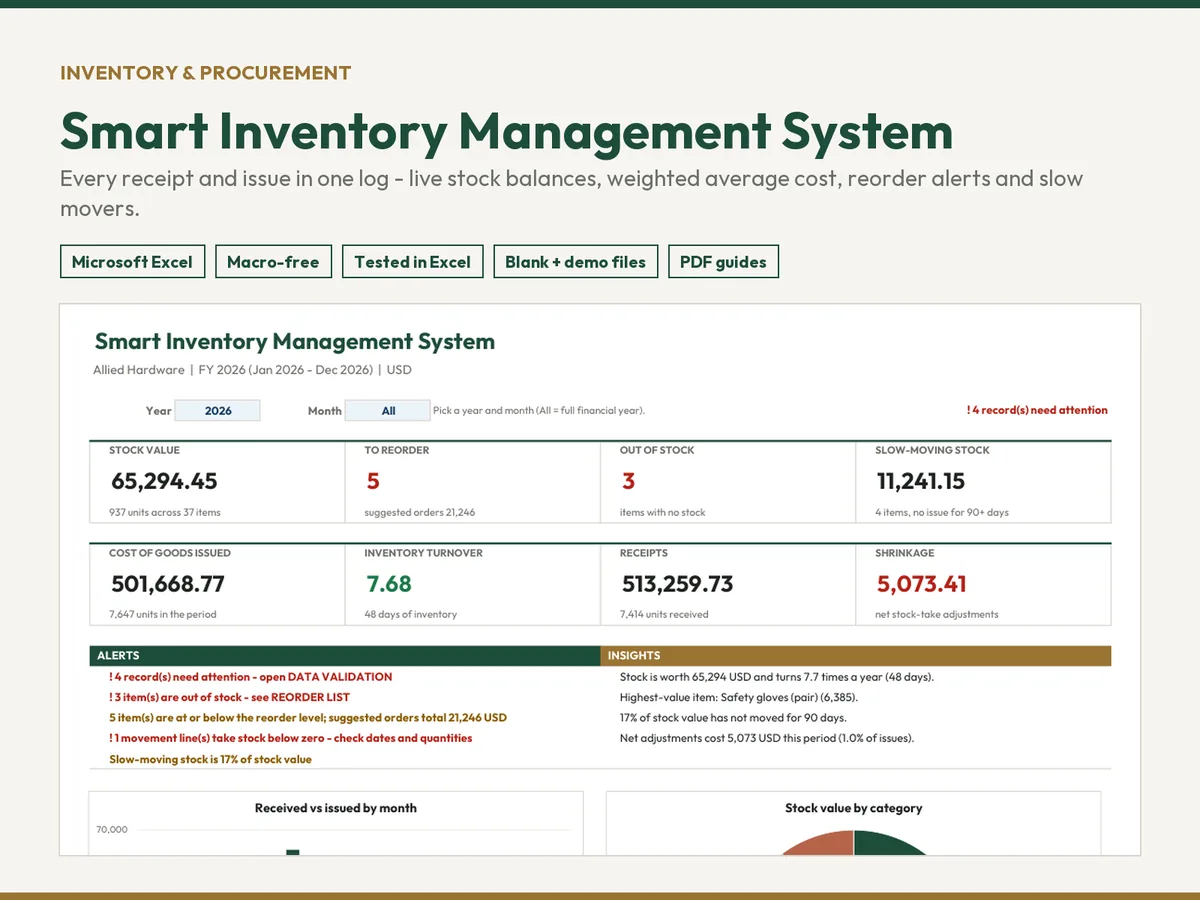
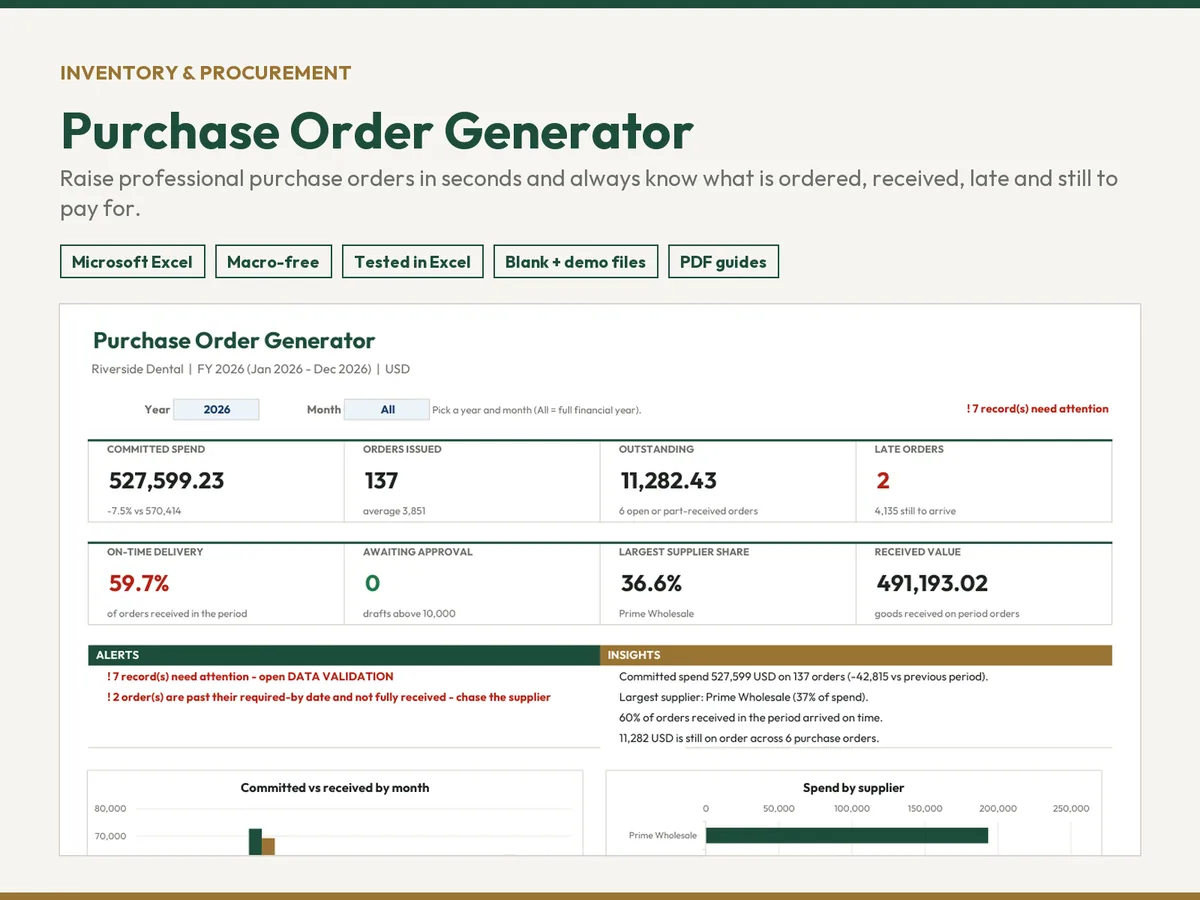
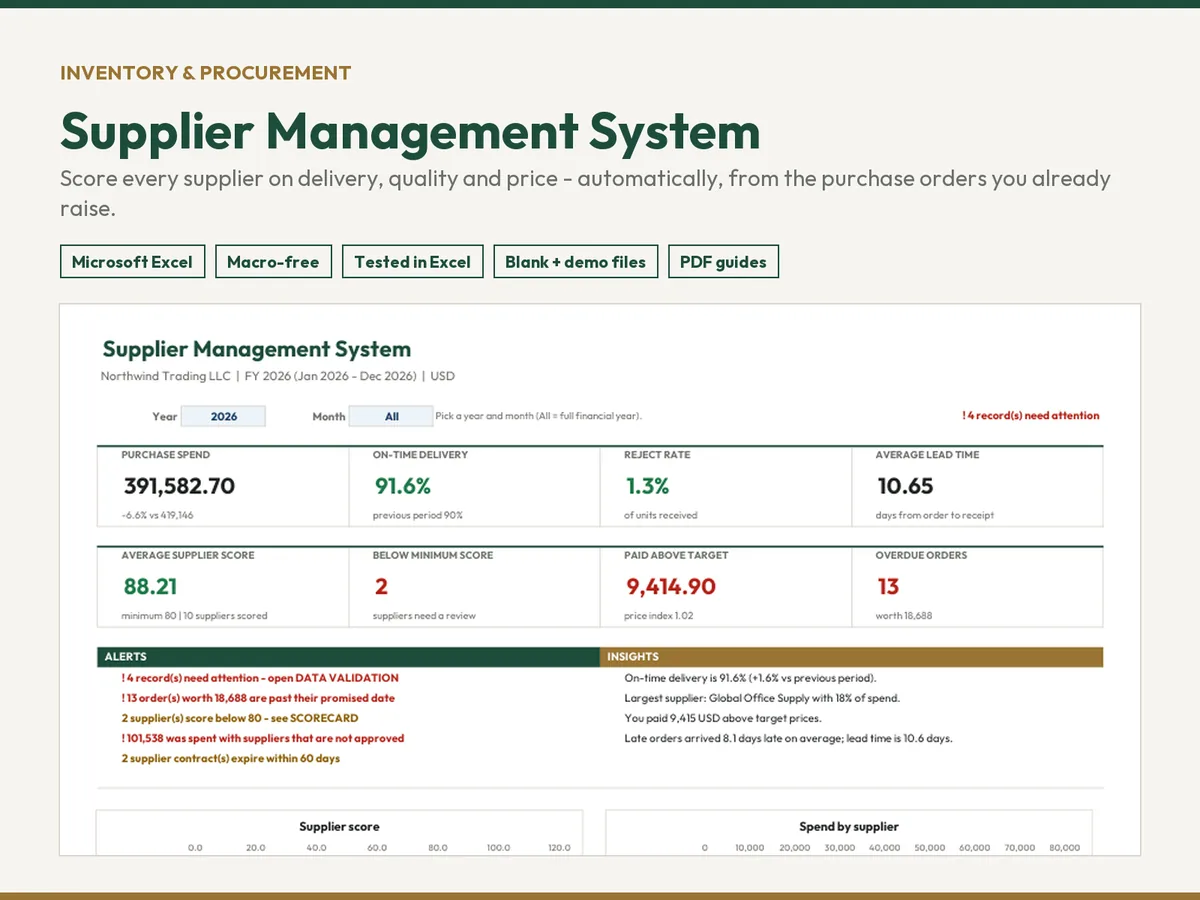
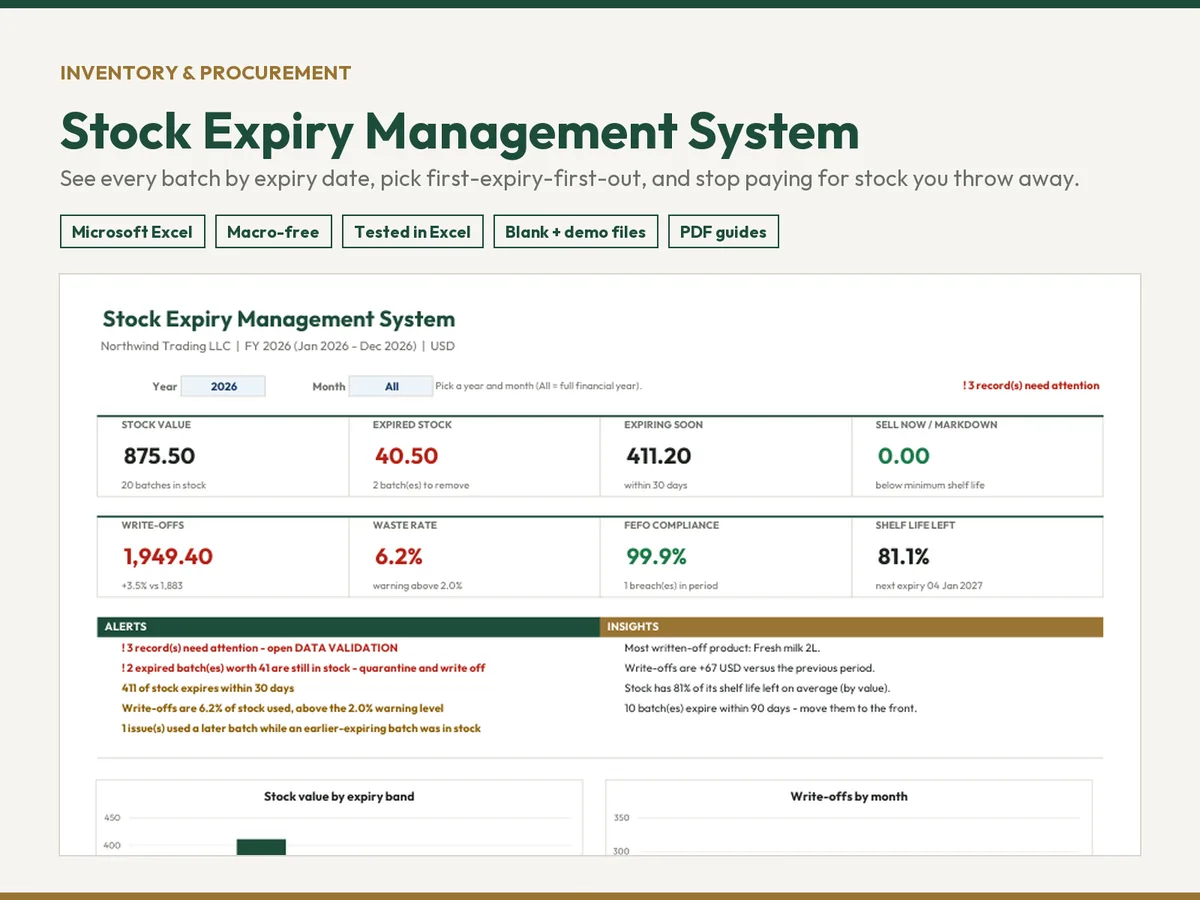
A batch and expiry control workbook for perishable or dated stock. Record batches as they arrive with their expiry date, and log what you issue, sell or write off against each batch. The workbook keeps the remaining quantity per batch, counts down days to expiry, groups stock into expiry bands, recommends an action per batch (write off, sell now, rotate), detects first-expiry-first-out (FEFO) breaches, and measures write-off value and waste rate over time.
- Batch / lot register with received date, expiry date, location and supplier
- Remaining quantity per batch from issues, sales and write-offs
- Days to expiry and % of shelf life left as of any date
- Expiry bands (expired, 0-30, 31-60, 61-90, over 90 days) by quantity and value
- Action per batch: write off, sell now / markdown, rotate to front, or OK - using each product's minimum sellable shelf life
- FEFO pick list per product: which batch to pick first
- FEFO breach detection when a later-expiring batch is issued while an earlier one is in stock
- Write-off value, waste rate and monthly trend
- Checks: expiry before receipt, over-issued batches, issues before a batch arrives or after it expired
Who it's for
- Food and beverage distributors
- Pharmacies and clinics
- Restaurants, cafes and central kitchens
- Cosmetics and personal-care brands
- Grocery and convenience stores
- Laboratories managing reagents
What's inside
| Sheet | What it's for |
|---|---|
| HOME | Welcome page, navigation, data-health and alert counters, quick start. |
| DASHBOARD | Executive KPIs, charts, alerts and insights for the year/month you pick. |
| SETTINGS | Company name, currency, financial year and every business rule: As-of date, Rotate-to-front window (days), Near-expiry window (days), Write-off rate warning. |
| PRODUCTS | Master list: Products. |
| BATCHES | Your data: Batches / lots. |
| ISSUES | Your data: Issues, sales and write-offs. |
| DATA VALIDATION | Every row checked: missing fields, duplicates, invalid values and business-rule breaks. |
| EXPIRY REPORT | Printable report: Batches in stock by expiry date. |
| PICK LIST | Printable report: FEFO pick list. |
| WRITE-OFFS | Printable report: Write-offs in the period. |
| CALCULATIONS | Protected calculation engine behind the dashboard and reports. |
| HELP | Column guide, troubleshooting, compatibility and privacy. |
| CHANGELOG | Version history. |
KPIs on the dashboard
- Stock value
- Expired stock
- Expiring soon
- Sell now / markdown
- Write-offs
- Waste rate
- FEFO compliance
- Shelf life left
Printable reports
- Batches in stock by expiry date
- FEFO pick list
- Write-offs in the period
What you get
- Stock_Expiry_Management_System_Blank.xlsx — your working copy
- Stock_Expiry_Management_System_Demo.xlsx — filled with fictional sample data
- PDF guides — quick start, user manual, FAQ, licence and version history
Compatibility
- Microsoft 365 / Excel 2021 or later (Windows & Mac)
- Excel for the web for data entry and the dashboard
- Not for Excel 2019 or earlier, Google Sheets or Numbers
- Macro-free, no external connections: your data never leaves your file
Good to know
- FEFO breaches are detected only when the earlier-expiring batch still has stock today; breaches on batches that have since been used up are not counted.
- Expiry bands use fixed 30/60/90-day steps; the near-expiry and rotation windows are configurable in SETTINGS.
Stock Expiry Management System
US$24 once. Blank and demo workbooks plus PDF guides, downloaded from your account.