Finance & Accounting
Accounts Receivable Automation
Get paid faster: aged debtors, dunning stages, credit limits and customer statements that build themselves.
US$29one-time · no subscription
Tested in Microsoft Excel — 124 figures verified independently, 10,000-row test
Version 1.0 · Microsoft 365 / Excel 2021 or later (Windows & Mac) · Secure payment by Paddle
What it does
Record sales invoices and customer receipts; the workbook tracks every open balance, ages the debtors, assigns a dunning stage to each overdue invoice, checks customers against their credit limits and estimates the bad-debt provision with an aging-based loss matrix. Pick any customer to print a statement of account, and track DSO and the collection effectiveness index for any month or financial year.
- Due dates from customer payment terms, with manual override
- Live invoice balances from part and full receipts
- Aged debtors by customer: current, 1-30, 31-60, 61-90, 90+ days
- Automatic dunning stage: reminder, second reminder, final notice, collections
- Credit limit monitoring with over-limit and near-limit flags
- Bad-debt provision from a configurable aging loss matrix
- Printable customer statement of account for any customer
- DSO and collection effectiveness index (CEI) with AR roll-forward
- Prioritised collections list with contact details
Who it's for
- Small and mid-sized business owners
- Credit controllers and collections teams
- Accounts receivable clerks and bookkeepers
- Finance managers and CFOs
- Service firms and wholesalers selling on credit
What's inside
| Sheet | What it's for |
|---|---|
| HOME | Welcome page, navigation, data-health and alert counters, quick start. |
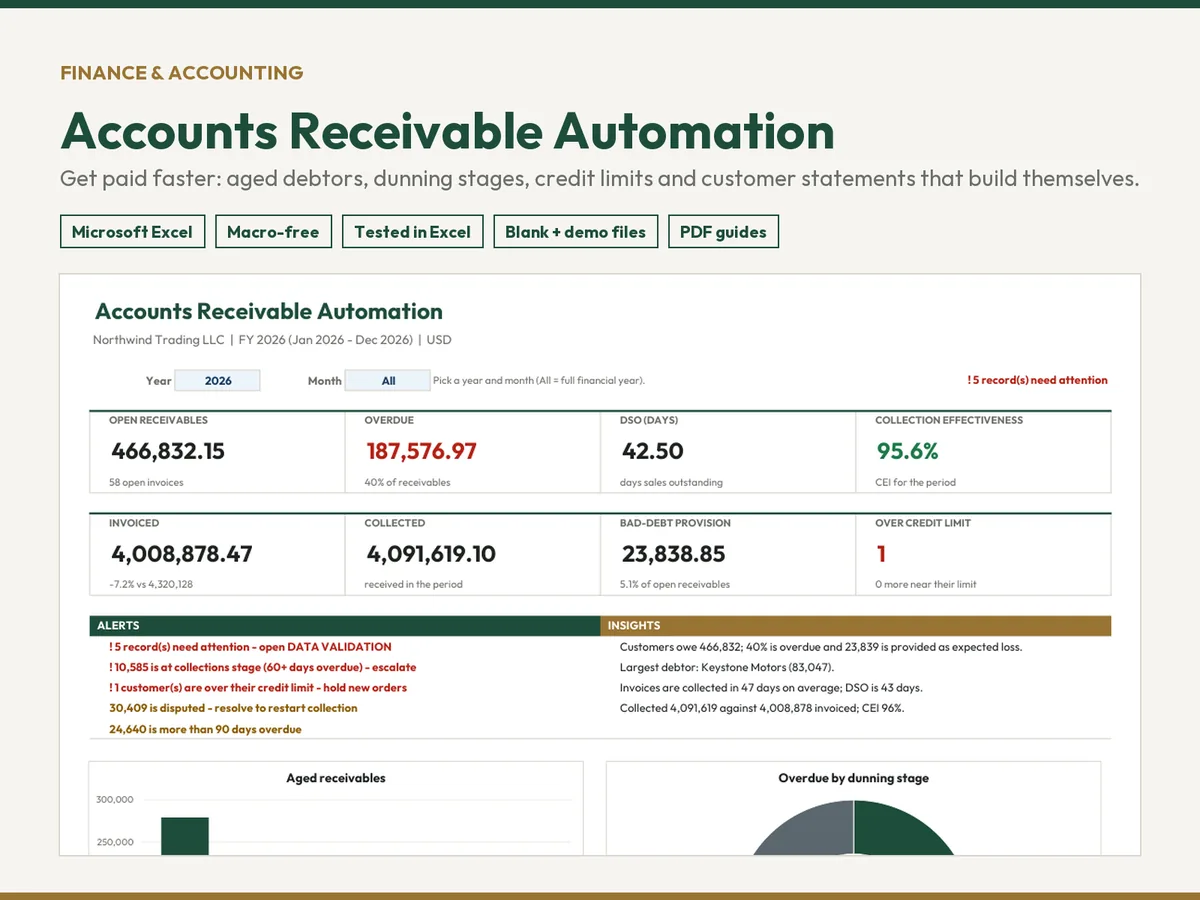
| DASHBOARD | Executive KPIs, charts, alerts and insights for the year/month you pick. |
| SETTINGS | Company name, currency, financial year and every business rule: As-of date (aging, dunning), Default payment terms (days), Reminder after (days overdue), Second reminder after (days overdue), Final notice after (days overdue), Collections / legal after (days overdue), Expected loss rate: current, Expected loss rate: 1-30 days, Expected loss rate: 31-60 days, Exp. |
| CUSTOMERS | Master list: Customer master. |
| INVOICES | Your data: Sales invoices. |
| RECEIPTS | Your data: Customer receipts. |
| DATA VALIDATION | Every row checked: missing fields, duplicates, invalid values and business-rule breaks. |
| STATEMENT | Printable report: Statement of account. |
| COLLECTIONS | Printable report: Collections worklist. |
| AGED DEBTORS | Printable report: Aged debtors and receivables roll-forward. |
| CALCULATIONS | Protected calculation engine behind the dashboard and reports. |
| HELP | Column guide, troubleshooting, compatibility and privacy. |
| CHANGELOG | Version history. |
KPIs on the dashboard
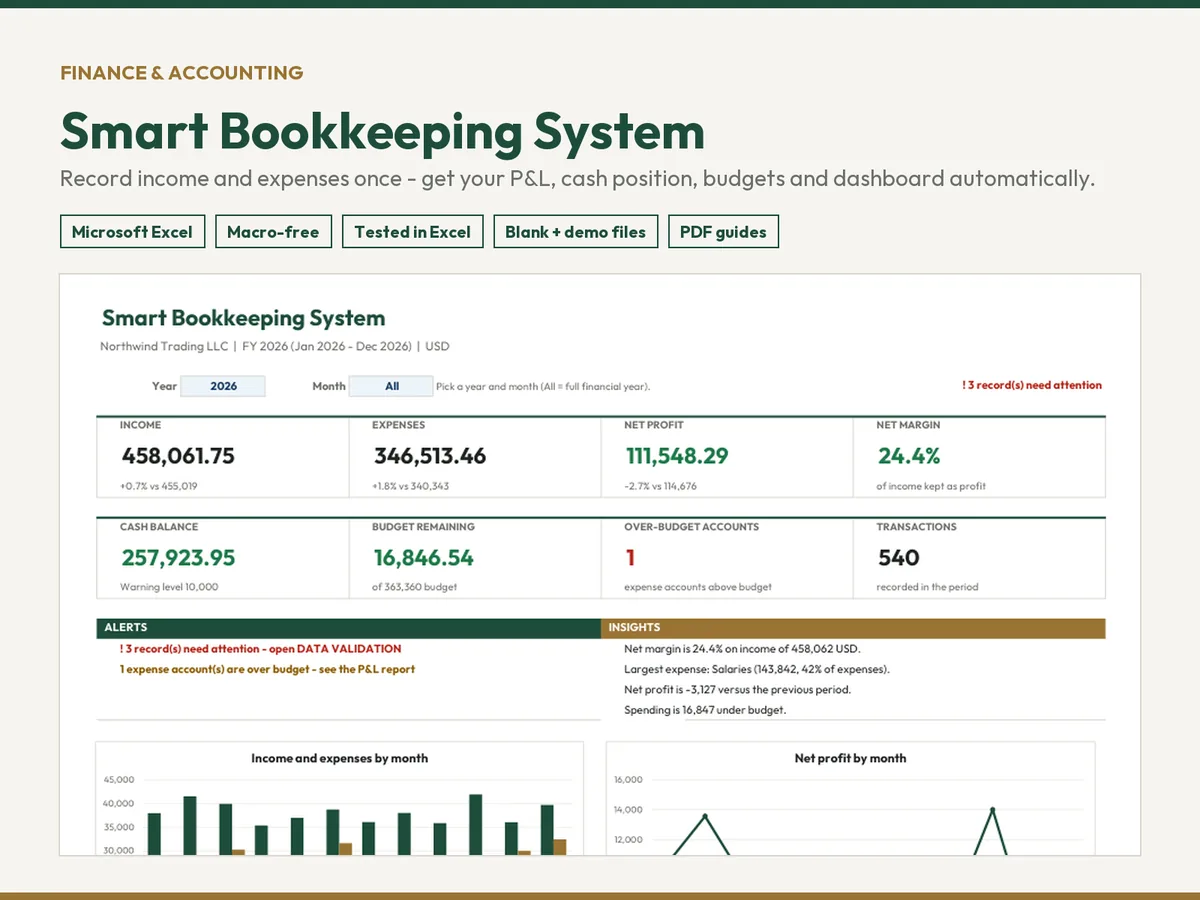
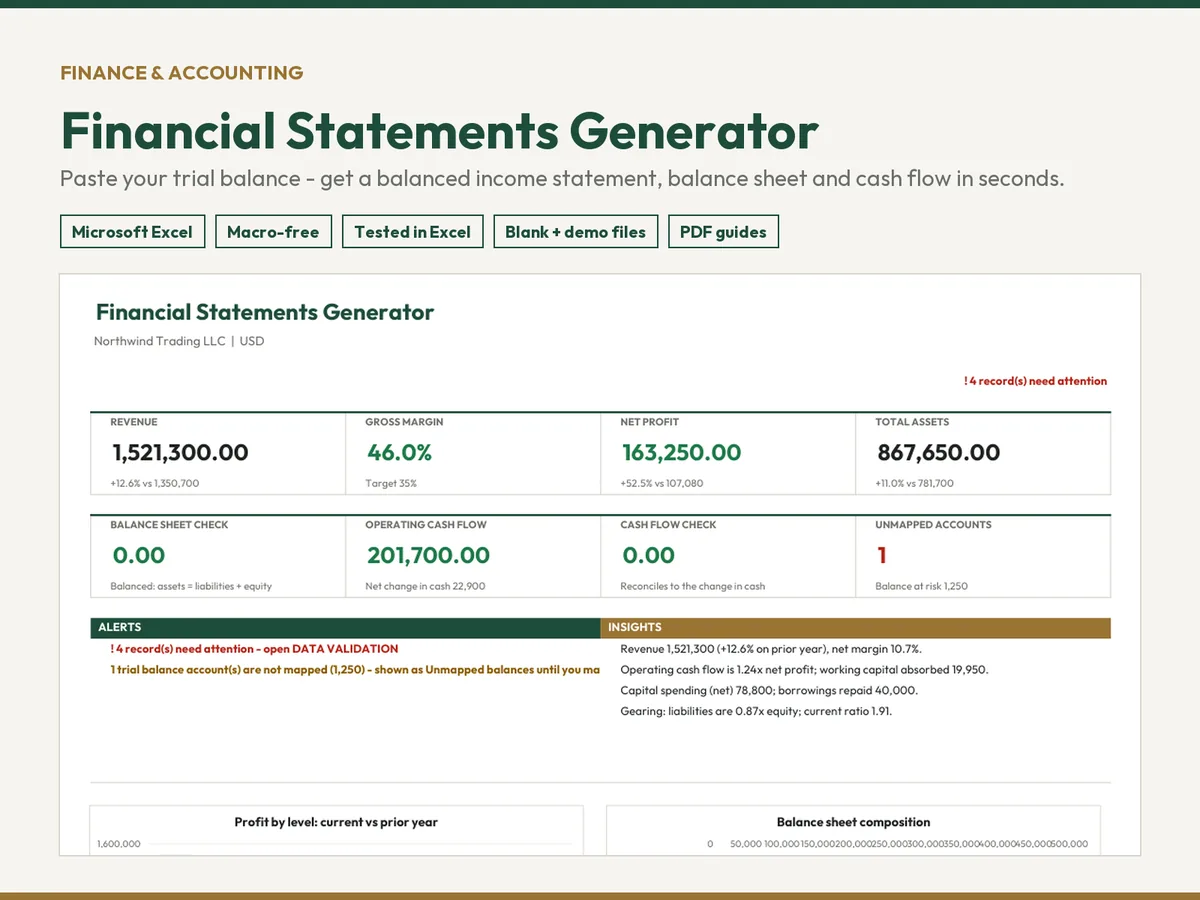
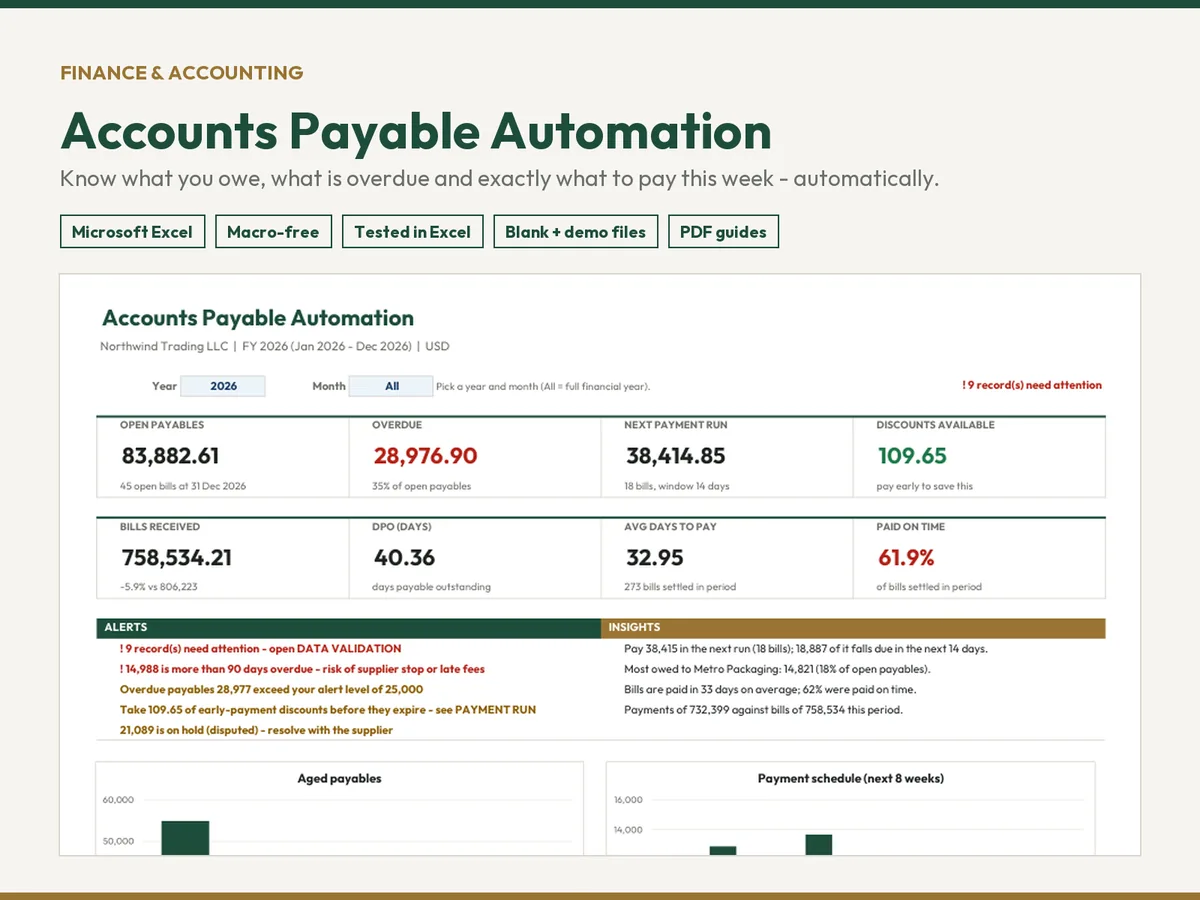
- Open receivables
- Overdue
- DSO (days)
- Collection effectiveness
- Invoiced
- Collected
- Bad-debt provision
- Over credit limit
Printable reports
- Statement of account
- Collections worklist
- Aged debtors and receivables roll-forward
What you get
- Accounts_Receivable_Automation_Blank.xlsx — your working copy
- Accounts_Receivable_Automation_Demo.xlsx — filled with fictional sample data
- PDF guides — quick start, user manual, FAQ, licence and version history
Compatibility
- Microsoft 365 / Excel 2021 or later (Windows & Mac)
- Excel for the web for data entry and the dashboard
- Not for Excel 2019 or earlier, Google Sheets or Numbers
- Macro-free, no external connections: your data never leaves your file
Good to know
- Receipts are applied to the invoice you choose; unallocated payments on account are not supported - allocate them to the oldest invoices.
- Single currency. The provision matrix is a simplified expected-credit-loss estimate, not a full IFRS 9 model.
Accounts Receivable Automation
US$29 once. Blank and demo workbooks plus PDF guides, downloaded from your account.